TASK 2 - RESEARCHER Topic Area Referencing Tool Resource English Endnote Webpage For task two we were required to explore technologies that will reflect our work in university as a learner and researcher. We were required to form a group, choose a topic area and allocate a specific resource to each person. We were then required to choose a resource that demonstrates the use of technology to support our specific topic area. After creating a group we had to then work individually on the task. The main purpose of this task is to gain the ability to use a computer based program to reference our resource and use a screen casting program to effectively instruct someone in how to use that particular referencing program. Screen casting is a video recording tool that uses audio narration. It works similar to a screen shot capture but instead of a still picture it uses video recording. Screen casting is a great tool which can be used to instruct and inform viewers. It is quick and efficient and can be used for almost anything desired. Along our journey we were required to update our blogs to reflect on our learning progress, thoughts, feelings, and any other learning experiences we endured along the way. We were then required to update our personal web page that we initially created as apart of task one to present our work for this task also. Finally we were required to complete three peer reviews within our group on the Murdoch website (LMS). After completion of the peer reviews we will be marked according to our ability to successfully critique each others work.
|
CLICK HERE to access my Blog
CLICK HERE to access my screen-cast or alternatively scroll down
Click the link below to access my Word Doc through a PDF format .

|
Scootletech6.pdf Size : 190.2 Kb Type : pdf |
My GroupKarri Seidel Hannah Richardson Cleo Hewitt Lucy Dury-Palmer
|
My resource : Scootle (2011)
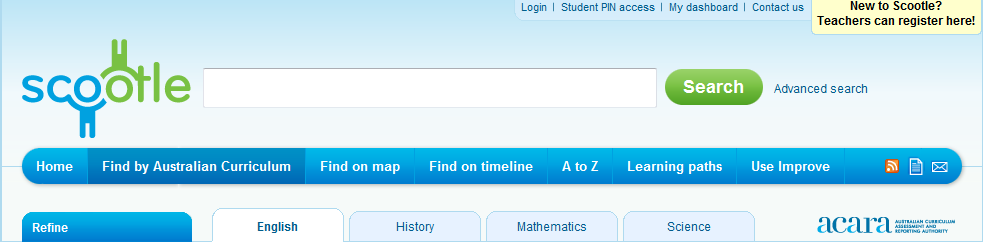
Screen shot of Scootle (2011) home page.
My Method
To give me an idea of the resources available to teach English using technology I used the search engine Google. I typed in many different key words such as; English, interactive tool, online, technology,etc. After a few attempts at researching, Scootle came up. I am familiar with Scootle and knew that it would be perfect for this task. Google is a great search engine that I use frequently to find all sorts of things on the internet. I have used it a lot throughout this unit as it has provided me with information if I was unsure how to do something and it also provides web addresses easily and instant access to sites.
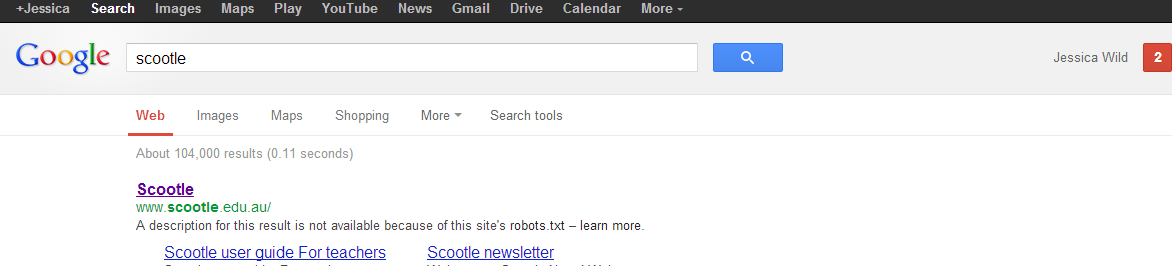
Home page of Google
My referencing technology : Endnote (1988-2012)
To reference my summary of Scootle that I have displayed in Microsoft Word I have used a program called Endnote. As a part of the task I am required to use a APA 6th Edition Style to reference my work and then use a screen casting tool to show my audience a visually step by step guide on how to use Endnote . Endnote is a great tool that I ultimately decided over the other referencing tools available such as Zotero, as Murdoch provides students free access to Endnote. I Endeavour to use Endnote throughout my university studies as it is a great tool that will be beneficial in time efficency when completing assignments.
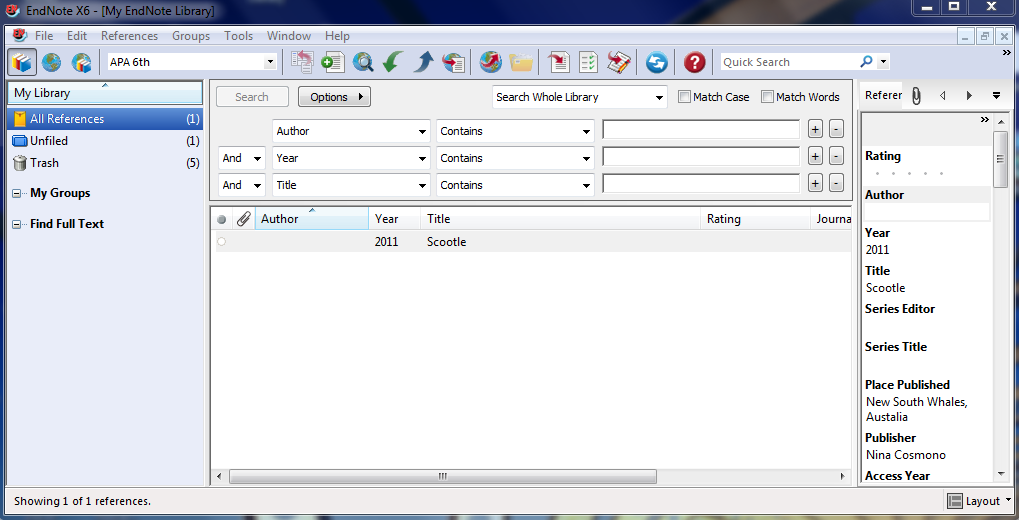
Screen shot of Endote (1998-2012) library, using (Skitch, 2012)
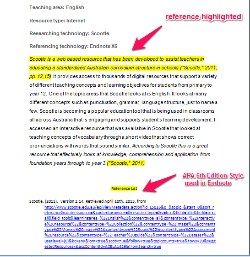 Screen capture of Microsoft Word Document of Scootle summary using Endnote (1988-2012) |
My screen-cast video : Screen-O-Matic (2009)
There were an abundance of screen-casting tools suggested on the LMS. After looking into a few of them I decided to go with Screen-O-Matic. All though they were quiet similar I found Screen-O-Matic had clearer instructions and easier to use. It had many great features including a pause and restart function so there was no need to start all over again. Screen-O-Matic also enables you to adjust sounds, and exclude background noise. You can also access Screen-O-Matic through the internet instantly, therefore there is no need to download it onto your PC .
Screencast of 'Guide to use endnote' using Screen-O-Matic (2009)
